
Computer Aided Design (CAD) Solutions

CAD as the Foundation of Engineering Execution
Computer-Aided Design (CAD) is where product ideas become reality. From concept modeling and detailed design to simulation and manufacturing handoff, CAD drives the speed, accuracy, and quality of product development.
But many organizations struggle with outdated tools, performance bottlenecks, file management challenges, and inconsistent workflows. Without the right strategy and governance, CAD systems can become fragmented, difficult to scale, and disconnected from enterprise initiatives like digital thread or model-based engineering.
EAC partners with manufacturers to ensure their CAD environment supports business objectives, not just design output.

What Should a Modern CAD Tool Really Do?
Explore the 10 essential capabilities engineers should expect from today’s CAD platforms.
Where Are You in Your CAD Journey
Every organization approaches CAD differently. Whether you’re exploring modernization, evaluating new platforms, or optimizing an existing environment, your next step depends on where you are today.

Early in the Journey
You may be experiencing slow system performance, manual workarounds, version confusion, or growing design complexity… and wondering whether your current CAD environment is still the right fit.
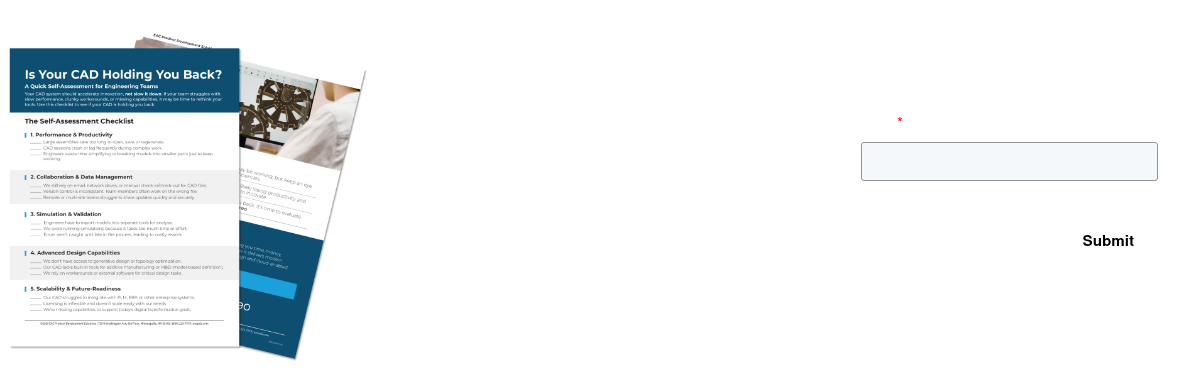
Educational resources can help clarify common CAD challenges and modernization opportunities.
Evaluating Solutions
At this stage, you understand the limitations of your current system and are weighing options. You may be comparing CAD platforms, evaluating integration with PLM, or assessing simulation and advanced design capabilities.

Ready to Decide
If you’re ready to move forward, your focus shifts to execution: migration planning, training, change management, and long-term support. Successful CAD modernization requires more than software selection. It requires experience.
CAD Products & Services for Manufacturers
EAC delivers end-to-end CAD solutions designed to support engineering teams at every stage, from initial implementation to long-term optimization.
- CAD Products
- CAD Services

PTC Creo

Creo+

Creo Illustrate

Creo Simulation

Creo Simulation Live

Engineering Design Services

Training & Mentoring

Creo Managed Services
Ready to Take the Next Step with CAD?
Whether you’re evaluating a new CAD platform, planning an upgrade, or optimizing your existing environment, EAC can help you move forward with clarity and confidence.
Our team combines deep technical expertise with practical manufacturing experience to ensure your CAD environment supports innovation, not friction.
Talk with a CAD expert at EAC to discuss your goals and next steps.
Common Questions About CAD
Manufacturers often ask similar questions when evaluating or managing CAD.
Below are a few of the most common:
Where can I get more information to find out which CAD platform is best for me?
Choosing the right CAD platform depends on more than features alone. Factors like your product complexity, team structure, collaboration needs, downstream integration, and long-term scalability all play a role.
The best way to determine which CAD solution fits your organization is to evaluate:
- How your teams design and collaborate today
- Whether you need cloud-based vs. desktop CAD
- Integration with PLM, simulation, or manufacturing workflows
- Licensing, performance, and support considerations
EAC works with multiple leading CAD platforms and helps organizations objectively assess which solution aligns best with their business and product development needs.
Why do businesses need the right CAD tools?
How do I check my Creo licenses?
Checking licenses is just the first step. If you’re dealing with license shortages, unclear usage patterns, or planning for growth, EAC can help you understand how your Creo licenses are actually being used and how to optimize them. Reach out and we’ll help you.
